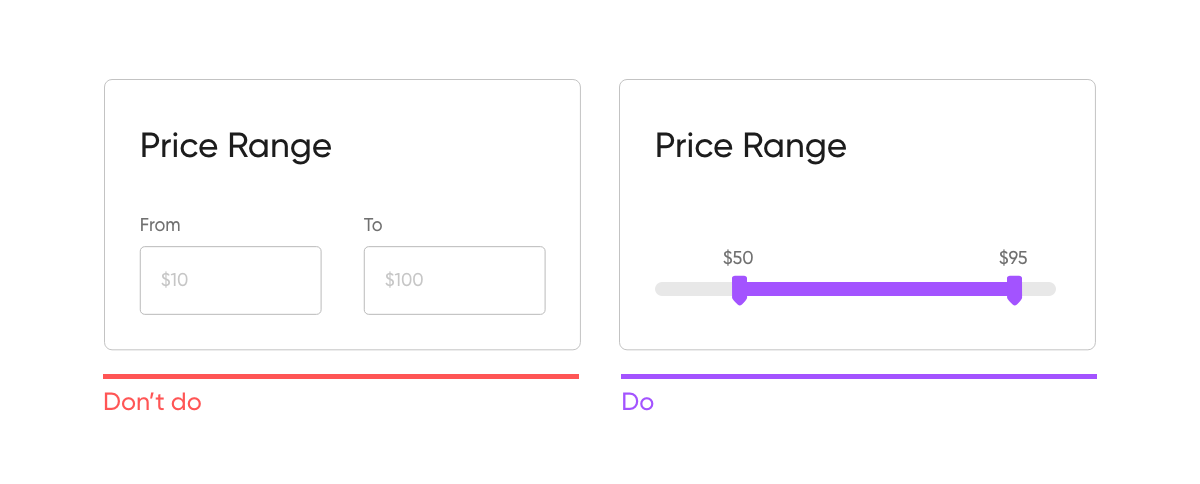
Form Design
Perfect input fields
Input Fields are part of every form UI, here are some tips and tricks to deliver better Input fields.
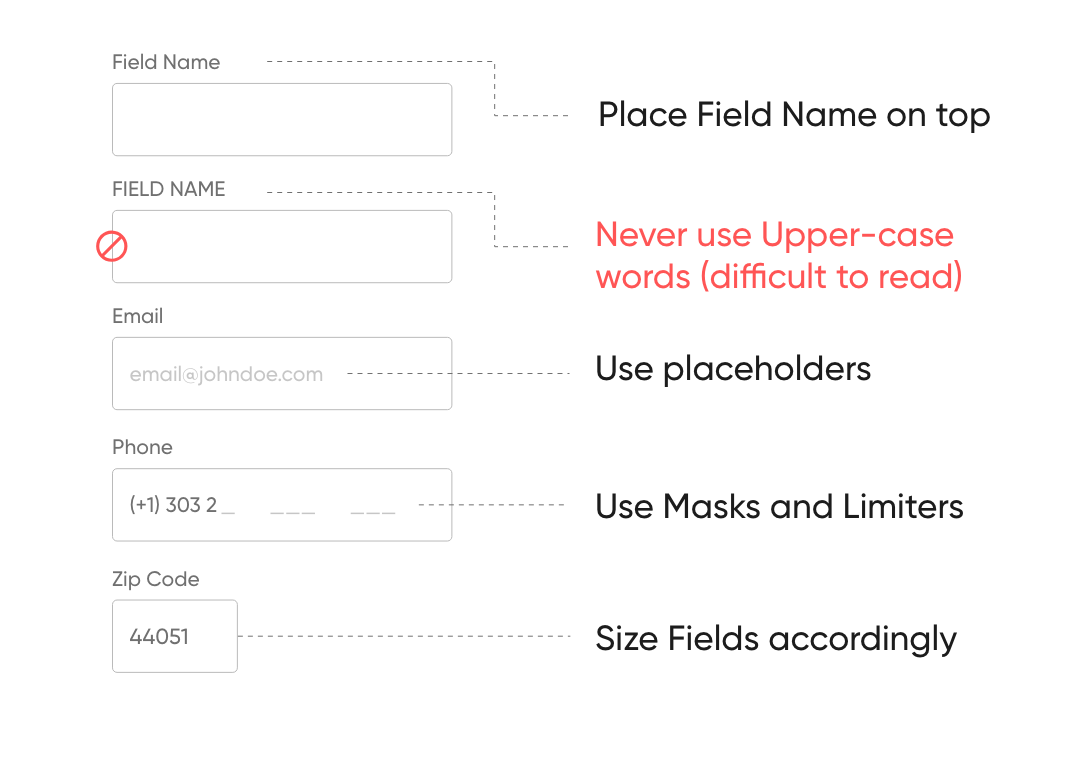
- Use radio buttons for gender types, don’t be afraid using icons
- Use labels with text of currency for finance fields, auto separate thousands and millions
- Design obvious field for mobile numbers, days of week, dates, etc
- Use advanced search with auto-suggestion in case of location/address instead of many field that user have to complete manually
Form layout
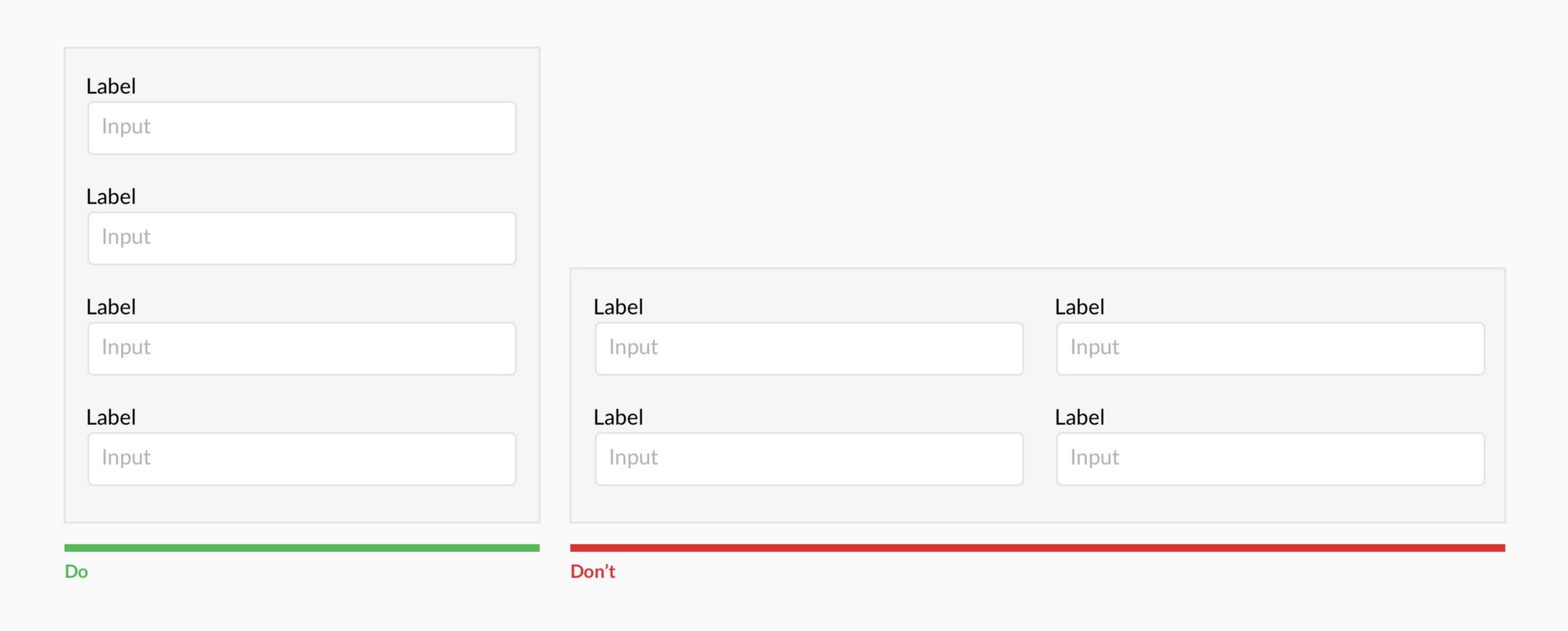
Forms should be single column
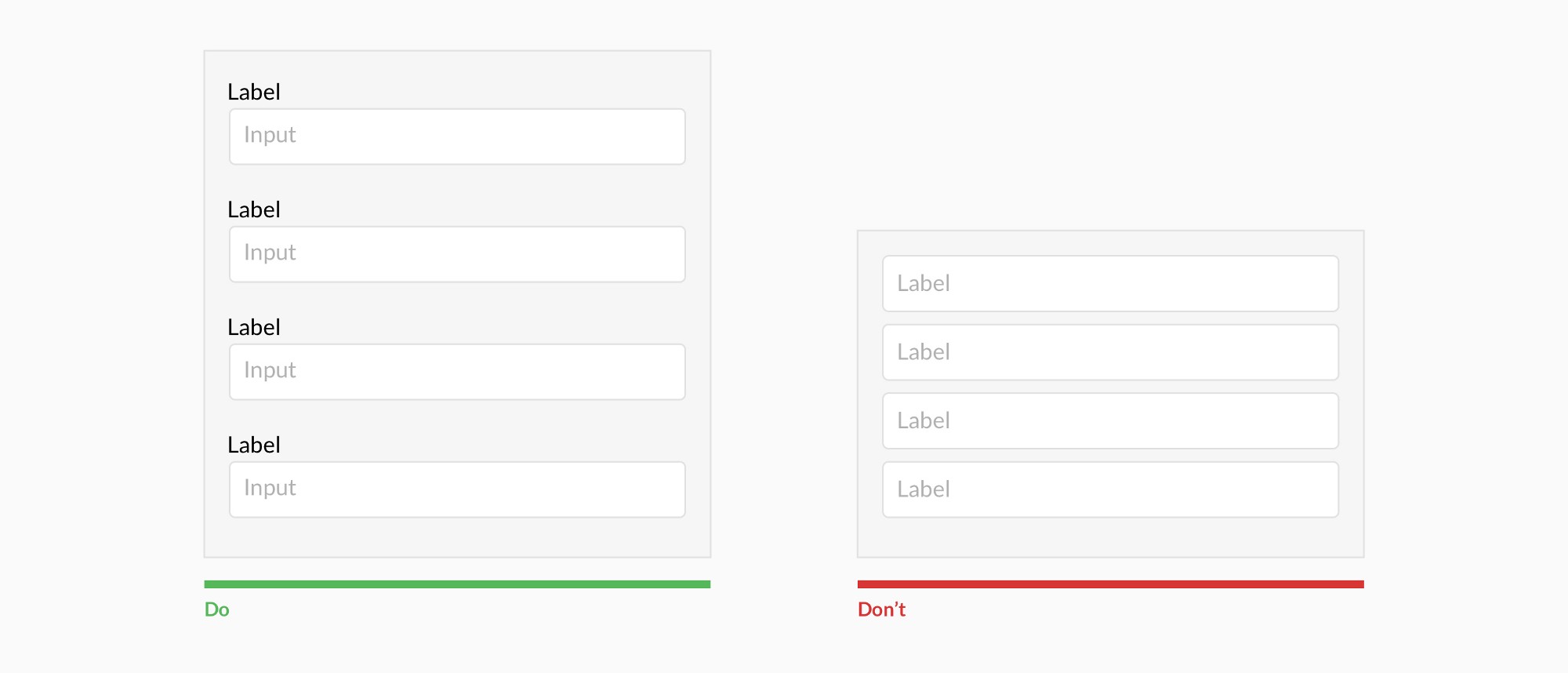
Use labels
Resist using placeholder text as labels
Label layout
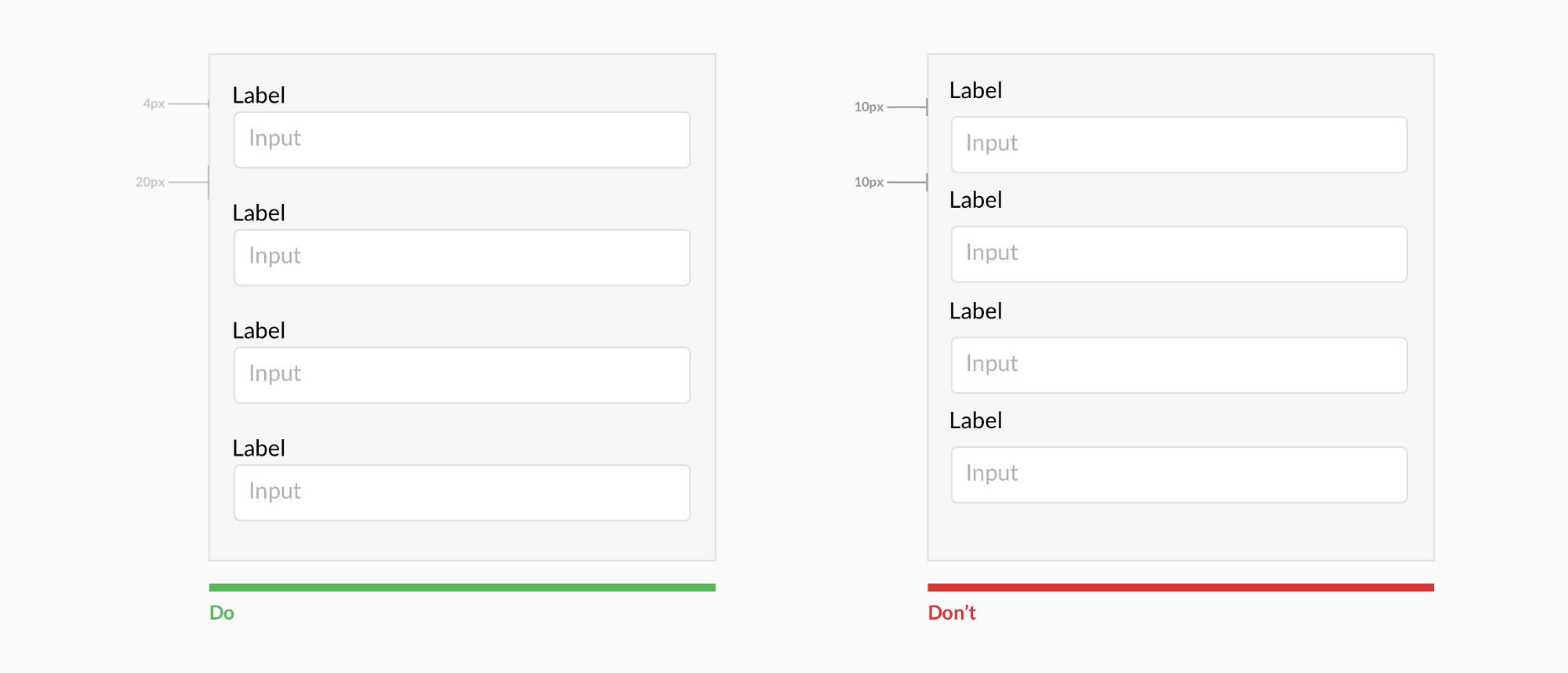
Always top align labels and group labels with their inputs
Optional labels
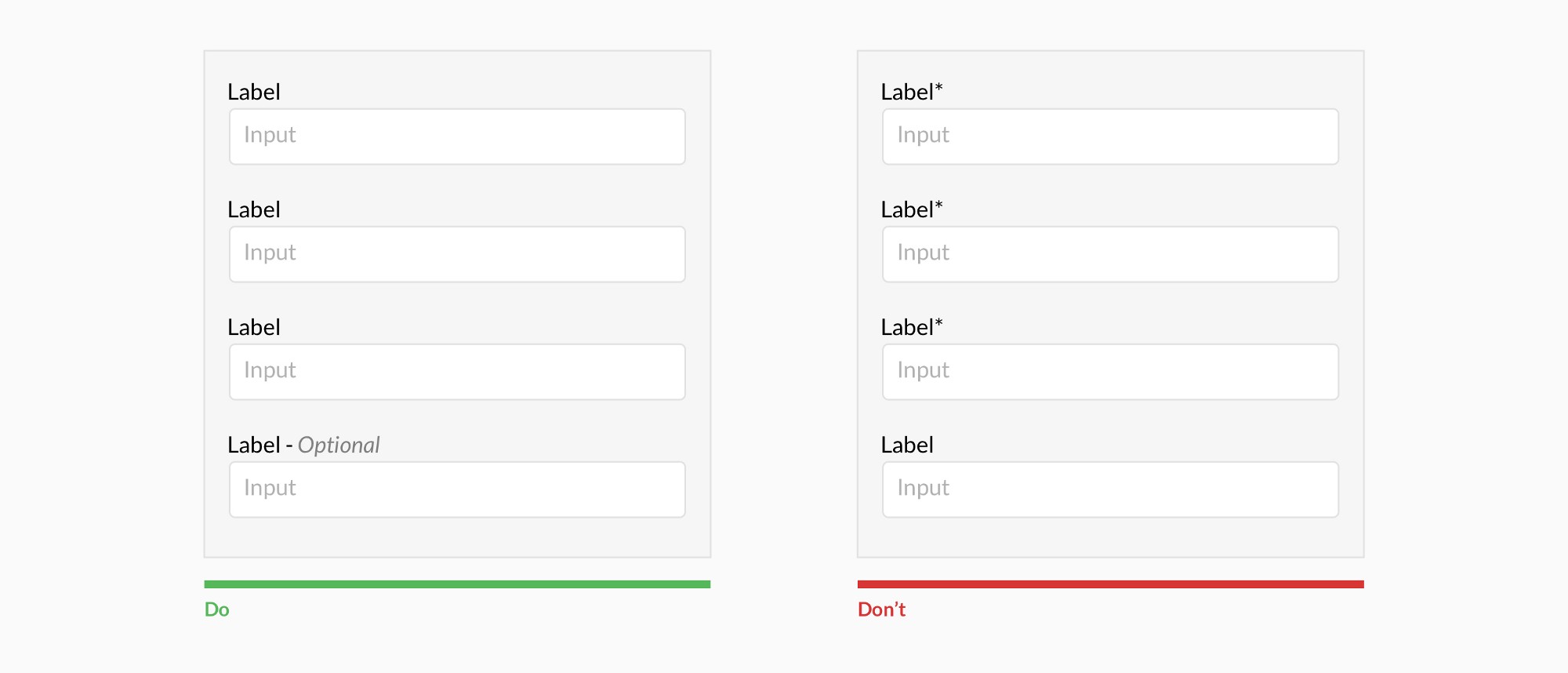
Ditch the * and denote optional fields
Select options
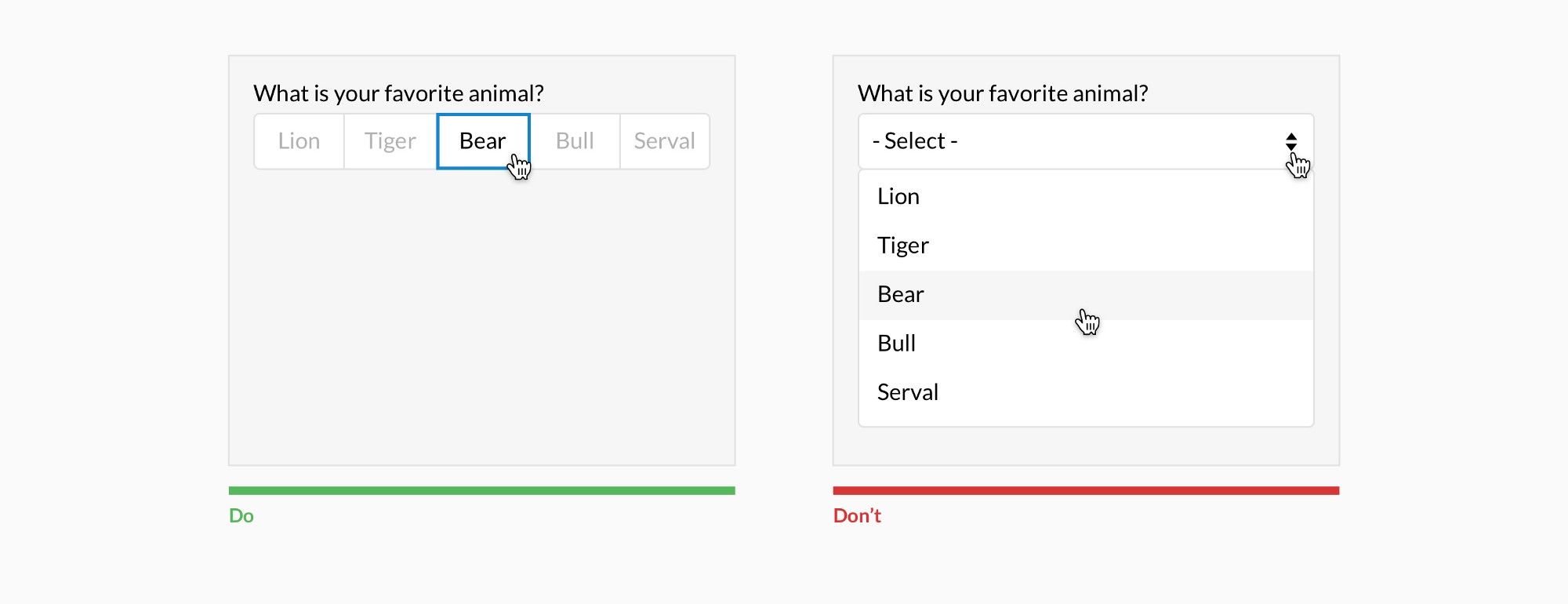
Show all selection options if under 6
Highlight Limitations
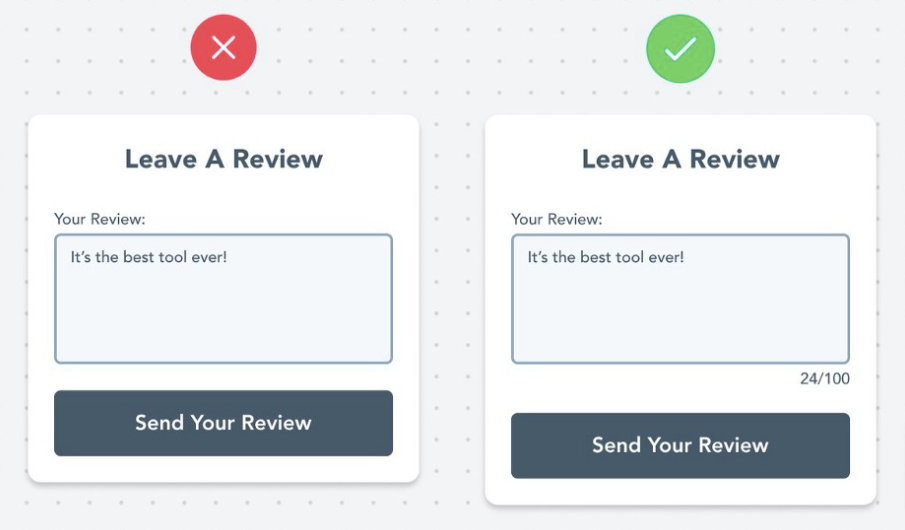
Most fields have some kind of limitation. Character limit, number/date range, phone number, etc. Make users aware of limitations beforehand to prevent their frustration.
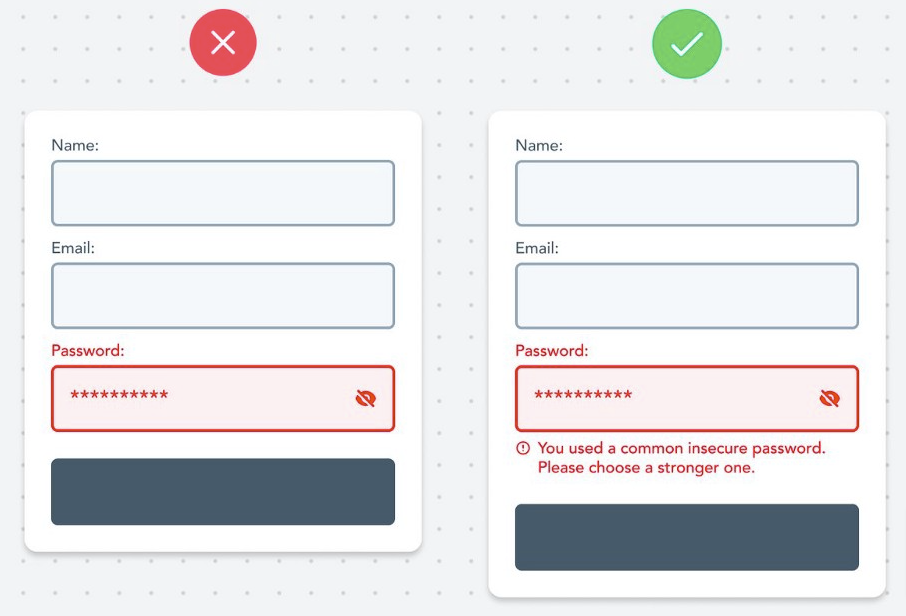
Descriptive Error Messages
Always describe the error with in-depth details and help people overcome them.
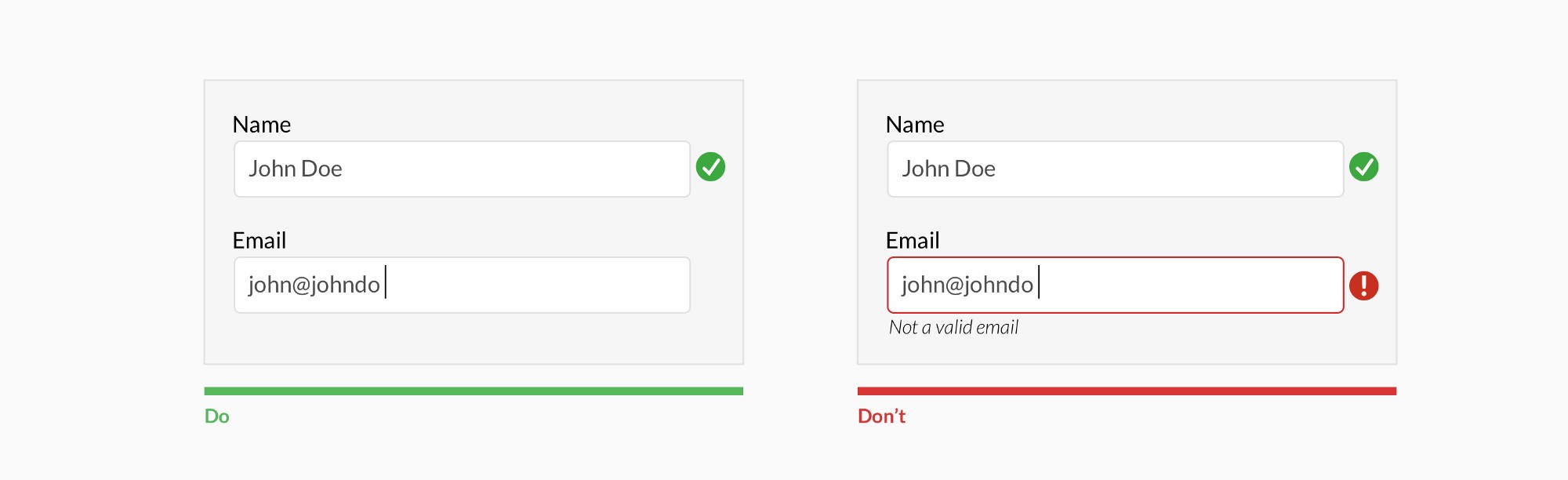
Inline validation
Use inline validation after the user fills out the field (unless it helps them while in the process)
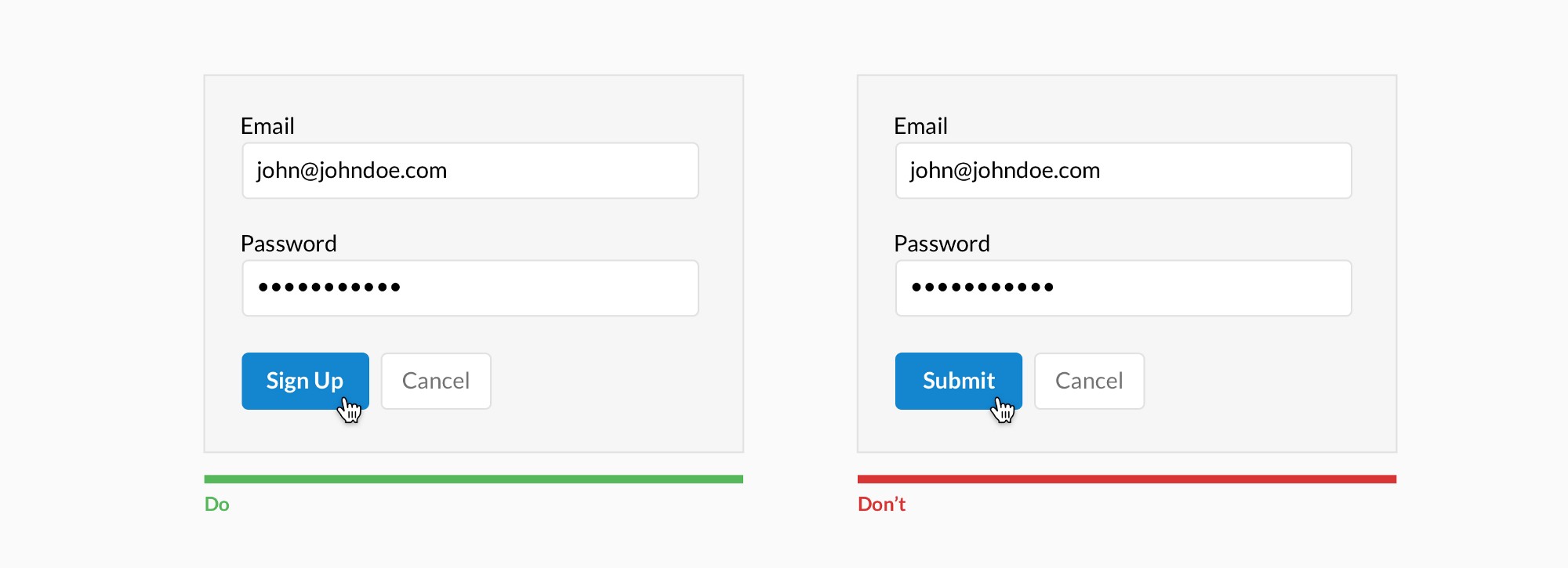
Call to action
Make CTAs descriptive
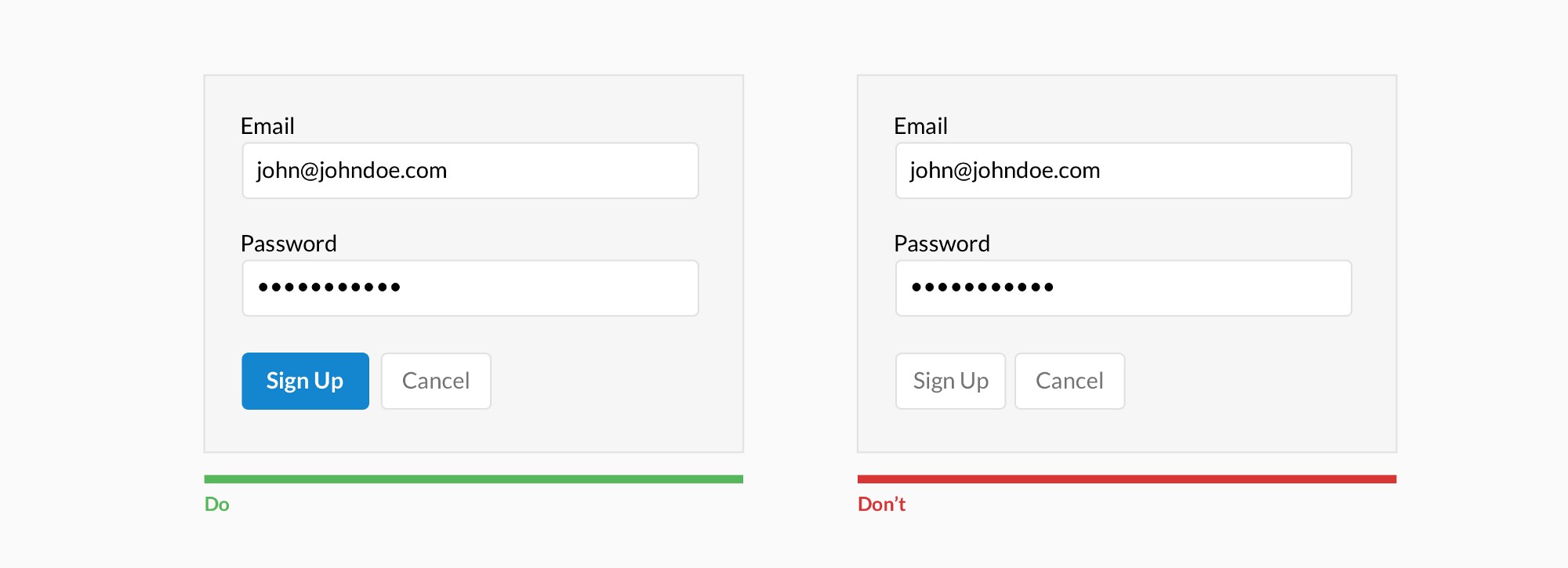
Actions types
Differentiate primary from secondary actions
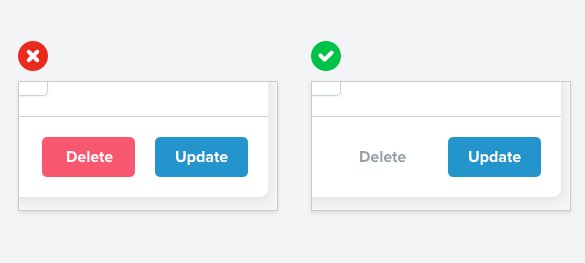
Negative actions
A subtle link for negative secondary actions often works better than a big bold button
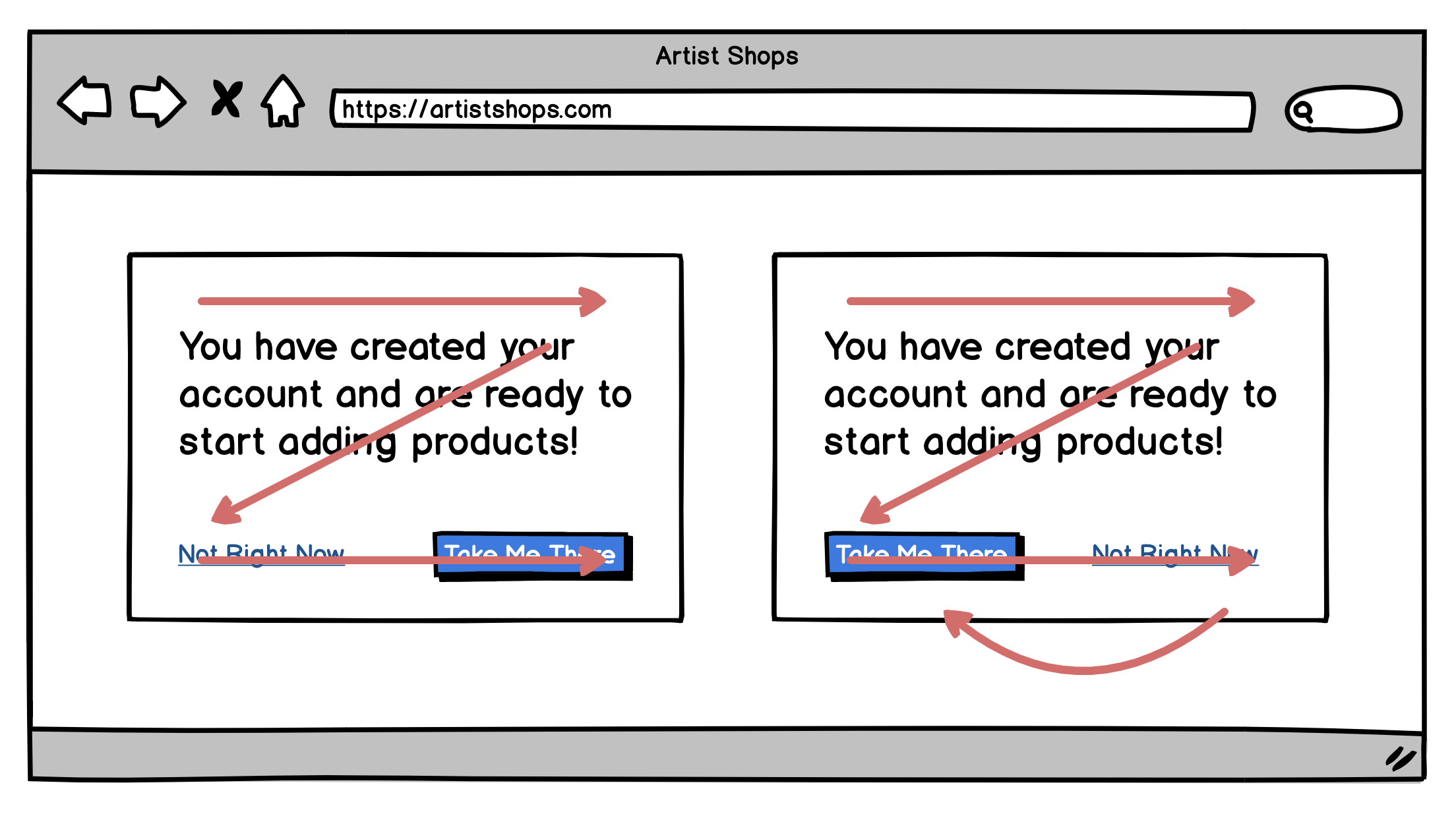
Action position (small)
In small windows, the primary action button should be placed at the bottom right
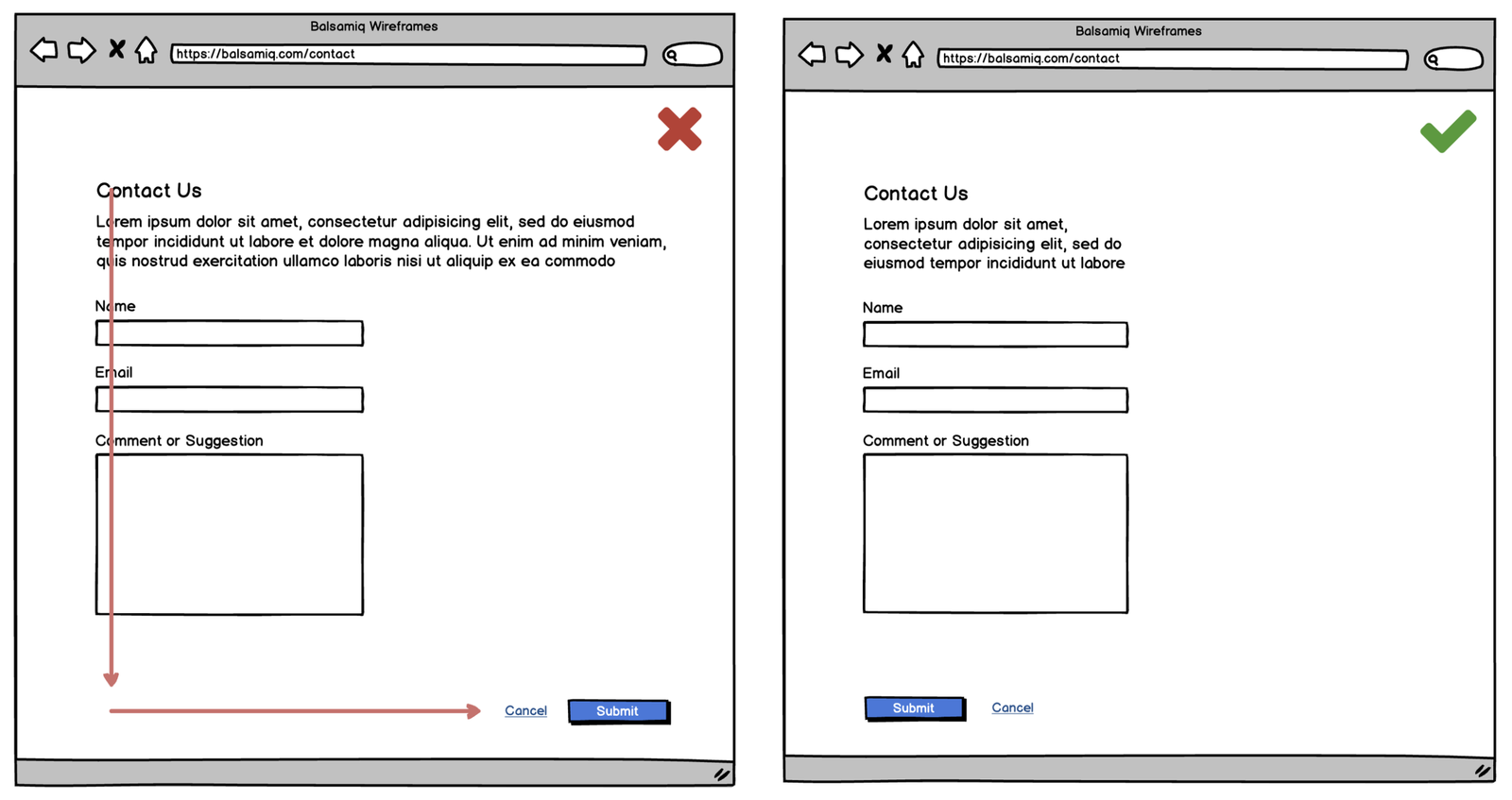
Action position (page)
Full page designs should have the primary button on the left side of the page
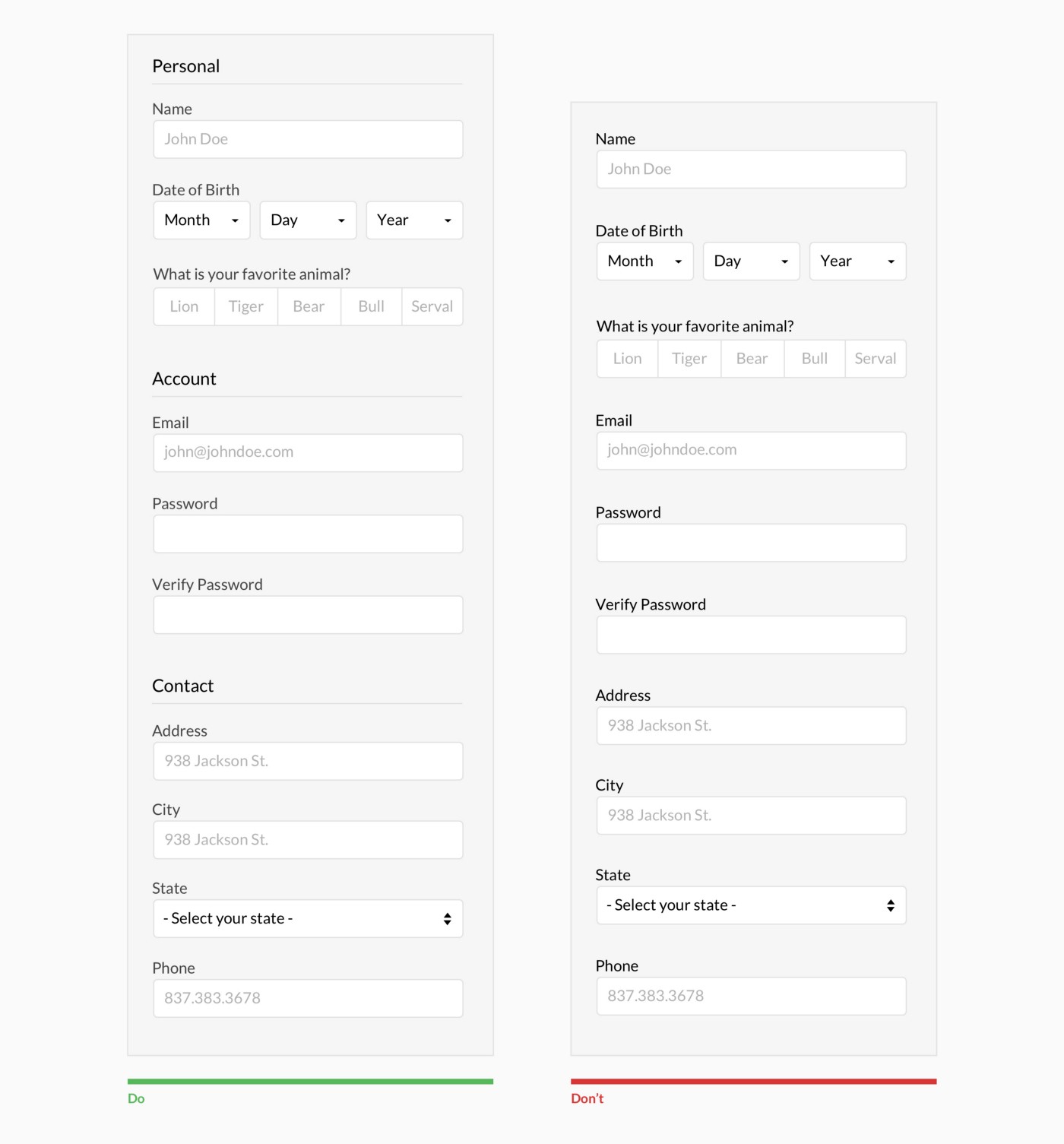
Grouping
Group related fields
Wizards
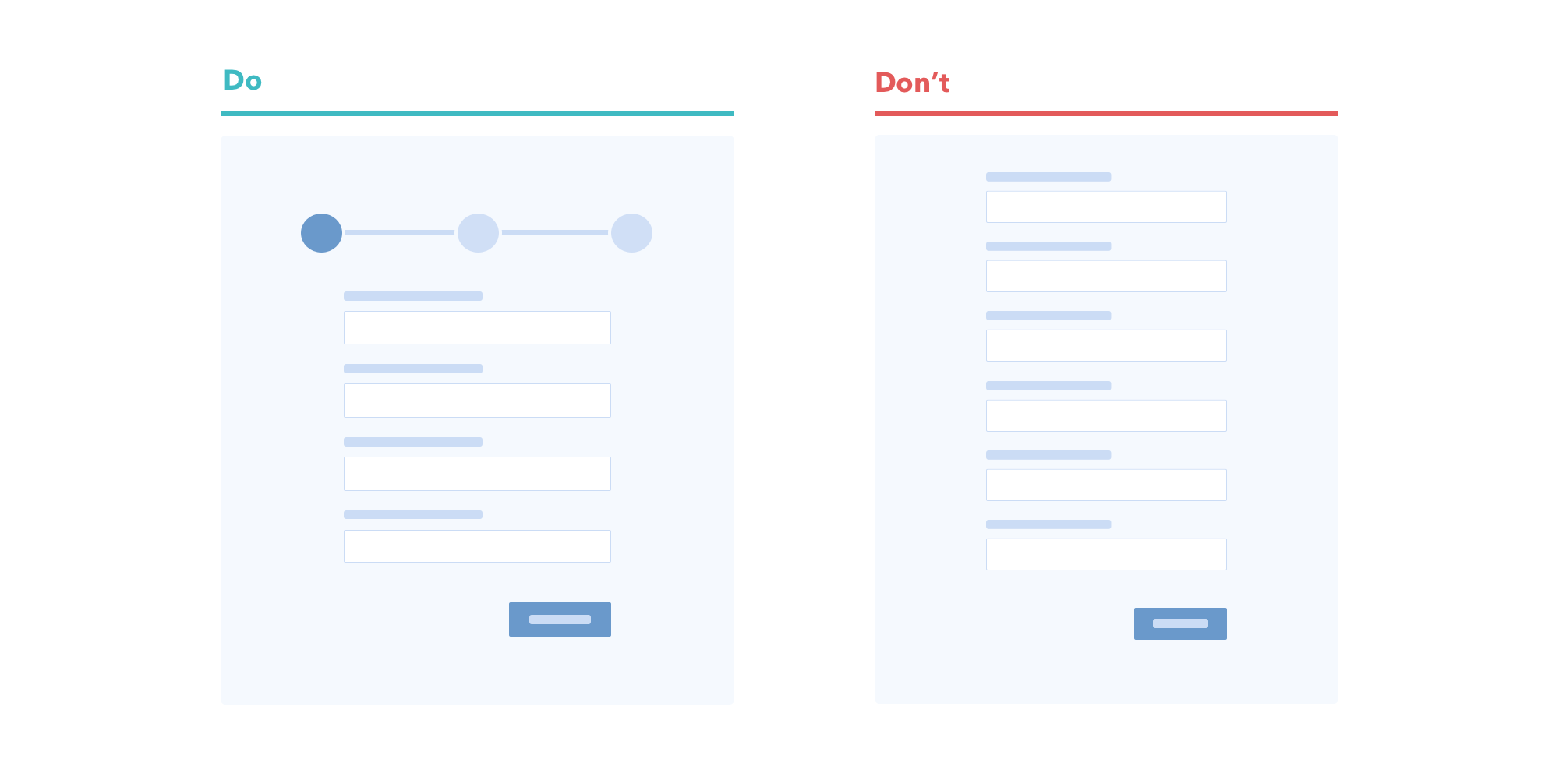
Use wizard for long forms and progress bar
Rich UI
Avoid writing when possible